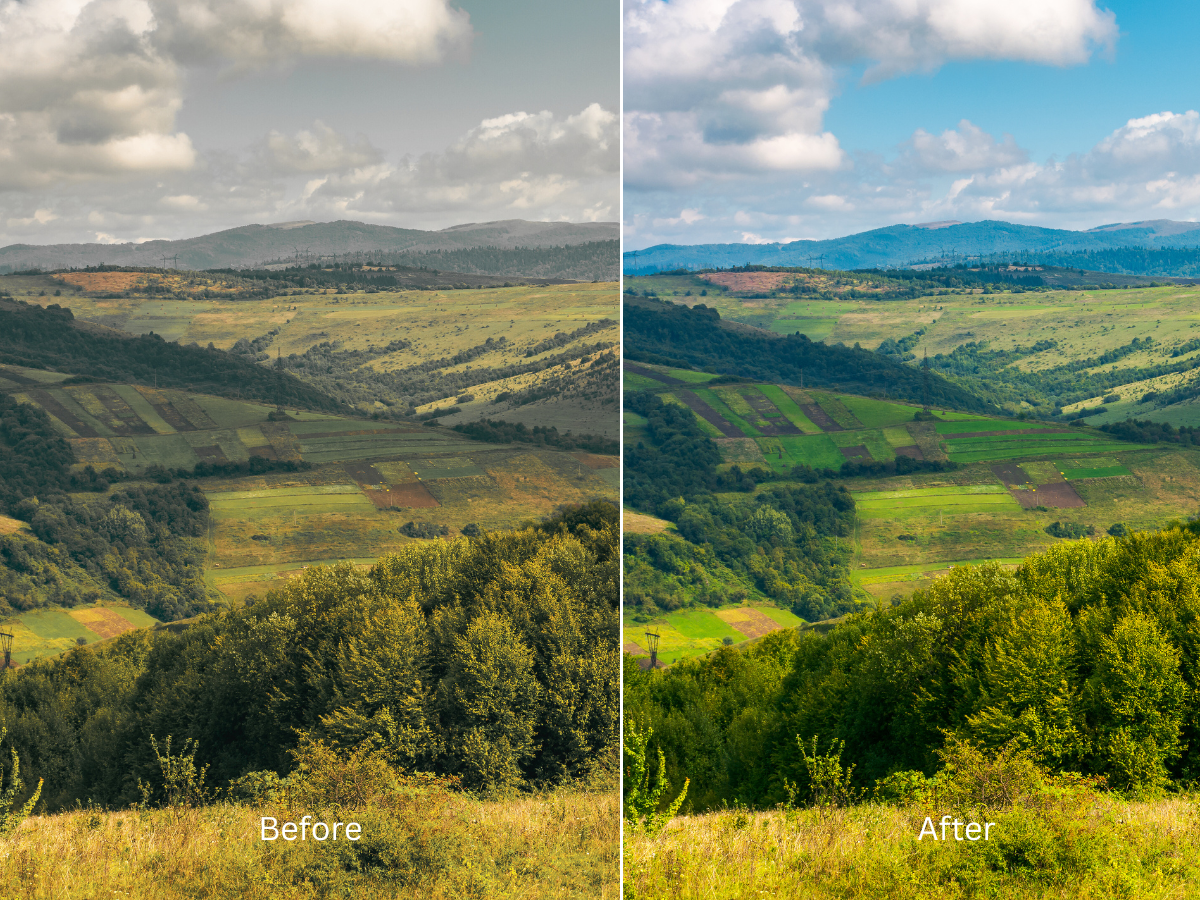
Introduction:
In the world of photography, capturing images with the perfect balance of sharpness and accuracy can be a challenge. Lens distortions, such as barrel distortion, pincushion distortion, chromatic aberration, and vignetting, can affect the quality and realism of your photos. However, with the power of post-processing tools, these distortions can be corrected to achieve visually pleasing results.
In this guide, we will explore the various types of lens distortions and delve into effective techniques to correct them, using popular software and tools.
I. Understanding Lens Distortions:.
Lens distortions occur due to the characteristics of the lens itself. It’s important to identify and understand these distortions before attempting to correct them. The most common types include:
Barrel Distortion:
Barrel distortion causes straight lines to appear curved outward, giving the image a bulging effect at the center. This can be seen in wide-angle lenses.
Pincushion Distortion:
Pincushion distortion, on the other hand, causes straight lines to appear curved inward, resulting in a pinched or squeezed appearance. Telephoto lenses are more prone to this type of distortion.
Chromatic Aberration:
Chromatic aberration manifests as color fringing or blurring, especially noticeable at the edges of objects. It occurs due to the lens’s inability to focus different wavelengths of light on the same plane.
Vignetting:
Vignetting refers to the darkening or light falloff at the corners of an image. It can occur naturally or due to limitations in lens design or improper use of lens attachments.
Get a Free Trial For Photo Editing Service!

II. Software and Tools for Lens Correction:
To correct lens distortions, various software and tools can prove invaluable. Some popular options include:
Adobe Lightroom:
Lightroom offers a Lens Correction panel that automatically detects and corrects lens distortions using lens profiles. It provides a user-friendly interface and allows for manual adjustments if needed.
Adobe Photoshop:
Photoshop’s Lens Correction filter provides advanced correction options, including the ability to create custom lens profiles and correct perspective distortions in addition to lens distortions.
DxO PhotoLab:
DxO PhotoLab is known for its powerful automatic lens correction capabilities. It utilizes an extensive lens profile database to correct distortions effectively.
Capture One:
Capture One offers lens correction tools that allow for precise adjustments and the application of lens correction presets. It is a popular choice among professional photographers.
Free Quote Now!

III. Correcting Lens Distortions:
Now, let’s explore some techniques for correcting lens distortions:
Manual Correction:
Most software provides manual adjustment sliders that allow you to counteract specific distortion types. By experimenting with these sliders, you can fine-tune the correction to achieve the desired results.
Grid Overlay:
Aligning image elements to a grid pattern can be particularly helpful in correcting distortions. By visually aligning lines and shapes, you can make accurate adjustments and ensure straightness.
Transform Tools:
Some software offers transformation tools that allow you to manually correct distortions. These tools enable you to adjust perspective, straighten lines, and correct distortions precisely.
IV. Additional Considerations:
Chromatic Aberration Correction:
To address chromatic aberration, software tools can automatically reduce or eliminate color fringing. Additionally, manual correction using sliders or brush tools can be employed for more control.
Vignetting Correction:
Vignetting can be corrected by applying graduated filters or radial filters in post-processing software. These tools help selectively correct the darkening or lightening at the image corners.
Lens Distortion and Perspective Distortion:
Sometimes, lens distortions and perspective distortions occur simultaneously. In such cases, it’s important to address both aspects for a complete correction. Software like Photoshop allows for combined corrections.
V. Tips for Effective Correction:
Batch Processing:
When dealing with multiple images, batch processing can save time and effort. Apply corrections to a group of images simultaneously, ensuring consistency across your photo collection.
Presets:
Save and apply correction presets to maintain consistency in your editing workflow. Presets allow you to efficiently apply the same correction settings to multiple images.
Conclusion:
Understanding and correcting lens distortions in post-processing is a crucial skill for photographers. By being aware of the types of distortions, utilizing appropriate software and tools, and employing effective correction techniques, you can enhance the quality and realism of your images. With practice and experimentation, you’ll develop a keen eye for identifying and correcting lens distortions, resulting in visually stunning photographs.
Remember, post-processing is an art, and while correcting lens distortions can significantly improve your images, it’s important to strike a balance between correction and artistic intent.
 Clipping World